Jump to a section⌄
- You can't tell which version is right
- The business depends on one fragile file
- Your sales, stock and orders never agree
- It takes days to get a clear picture
- Your tools decide how much business you can take on
- Why running a business on spreadsheets keeps getting harder
- What changes with one connected system
- Your spreadsheets are the starting point
- Making the move at your own pace
- Ready to Get Started?
It usually starts with one spreadsheet. Perhaps it's a stock list, a customer database or a way of keeping track of orders. It does the job, so when something else needs organising, another spreadsheet gets created. Before long, there are several files keeping different parts of the business running.
A few years later, running a business on spreadsheets has become part of everyday life. There's nothing wrong with how it started, and spreadsheets have probably served the business well. The difficulty comes when keeping everything up to date starts taking more time than the work itself. Here are some of the signs that your spreadsheets could be holding your business back.
You can't tell which version is right
Someone updates the price list on Monday. By Wednesday, there's another copy in somebody else's inbox, while sales is still using the one saved on the shared drive. Before long, you've got files called 'Price List Final', 'Price List Final v2' and something labelled 'Latest'. Naturally, none of them quite agree.
Working from different versions can cause problems across the business:
- Incorrect quotes: Customers receive prices that are no longer valid.
- Order mistakes: Staff use outdated product or stock information.
- Wasted time: Employees spend hours checking which figures are correct.
Sometimes it's the customer who spots the mistake first. By then, someone has to explain what happened and put things right.
The business depends on one fragile file
Most businesses have at least one spreadsheet that nobody likes touching. It's full of formulas and calculations added over the years. It works, but only one person really understands how. Perhaps they created it or inherited it from someone who's since left.
When that person goes on holiday, even a simple change becomes difficult. Work gets delayed because nobody wants to risk breaking something. Bringing new employees up to speed isn't easy either, especially when there's no clear process to follow.
Your sales, stock and orders never agree
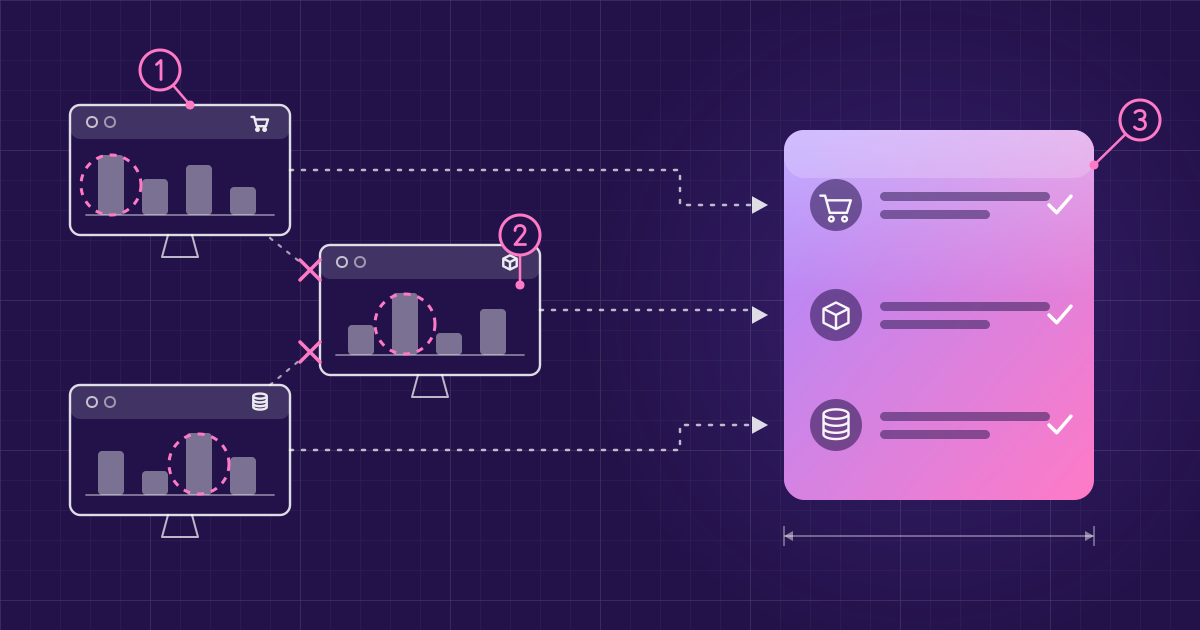
The sales team has its figures, the warehouse has a stock spreadsheet and finance keeps another record of invoices and payments. Each file might be accurate when it's updated, but changes don't necessarily make their way into the others.
A customer places an order, but the stock sheet hasn't been updated. Someone promises a delivery date based on old figures. Staff then spend time comparing records and correcting mistakes rather than getting on with their usual jobs. Meanwhile, customers are left waiting for answers.
It takes days to get a clear picture
The figures are there somewhere. Getting them together is another matter. An operations manager needs an update on orders, stock and outstanding payments, so sales sends over one file, the warehouse provides another and finance needs time to finish its figures.
Someone then has to check everything and prepare a report. By the time it's ready, some of the information has already changed. This can lead to:
- Delayed decisions: Managers wait for figures before taking action.
- Missed warning signs: Payment problems or order backlogs go unnoticed.
- Outdated reporting: Reports show what happened previously rather than what's happening now.
Your tools decide how much business you can take on
Winning a new customer should be good news. But when everything runs through spreadsheets, extra business can bring an unexpected amount of administration. Larger orders mean more stock checks, while selling through another platform creates another set of figures to maintain.
Eventually, accepting more work means taking on more administration. Staff work longer hours and there's less time to look after customers. Some opportunities may even get turned down because the team can't comfortably manage the extra workload.
Why running a business on spreadsheets keeps getting harder
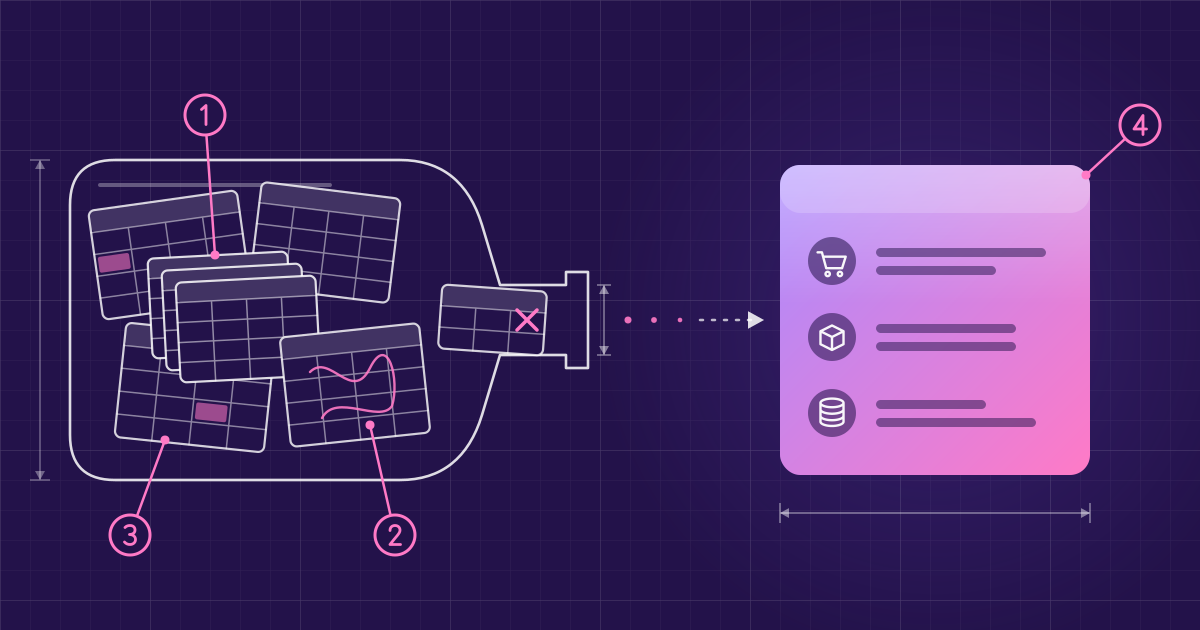
Spreadsheets rarely become a problem overnight. Each one was probably created to solve something useful, but as the business grows, new files get added and existing ones become more complicated. Nobody necessarily has time to consider how everything should work together.
Eventually, you've got a collection of spreadsheets that work reasonably well on their own but don't share information. The spreadsheets haven't suddenly become bad tools. The business has simply reached a point where the way information is managed needs to change.
What changes with one connected system
A tidier spreadsheet won't fix a business that has outgrown them. What makes the difference is having sales, stock, orders, customers, invoicing and reporting in one connected system. Everyone works with the same information rather than relying on separate files.
That's the thinking behind MPX, business operating software, made by Stark Wayne. Rather than managing everyday processes through spreadsheets, MPX brings key business activities together:
- Orders and stock: Orders come in automatically from Amazon, Shopify and WooCommerce, with accurate, real-time stock tracking.
- Warehouse operations: MPX follows stock from receiving to dispatch and automates picking, packing and fulfilment.
- Customer management: Teams can track leads and follow-ups, with email, voice and SMS communications logged in one place.
- Version history: MPX records changes and can restore earlier values.
- Reporting: Reports can be sent automatically on a schedule.
With everyday processes managed in one business operating system, employees have more time to concentrate on their work. If you're comparing business software, you can explore the MPX features to see how everything works together.
Your spreadsheets are the starting point
Moving away from spreadsheets doesn't mean throwing away years of information or starting again. MPX can import data from CSV and Excel files, although some preparation may be needed depending on how your current records are organised.
MPX checks each row before creating anything. If a row fails, you can see why, export the failed rows and correct them before uploading again. This gives you an opportunity to sort out missing fields or incorrect values before they become part of your new records.
We'll help you understand what's required and prepare your existing information for the move. There's no need to abandon the work you've already put into organising your business.
Making the move at your own pace
You don't have to move everything at once. A phased migration lets you introduce MPX gradually while continuing to use spreadsheets for other parts of the business. The amount of work involved depends on your existing files, the information they contain and how your processes fit together.
We work alongside you throughout onboarding, helping set up MPX around how your business operates and supporting staff as they learn the new processes. Where a business needs something more specific, AI has accelerated what we can build and how quickly we can do it.
There's still room for spreadsheets. They're useful for quick calculations, testing ideas and one-off analysis. The difference is that your everyday operations no longer depend on separate files that need constant checking and updating.
Ready to Get Started?
If two or three of these signs sound familiar, your spreadsheets may already be holding your business back. Moving to a connected system is a big decision, and it helps to understand what's involved before making any changes.
Book a demo to see what MPX could look like for your business or see pricing to explore the costs.